Defensible detection-tuning with Kibana Cases: a DFIR how-to
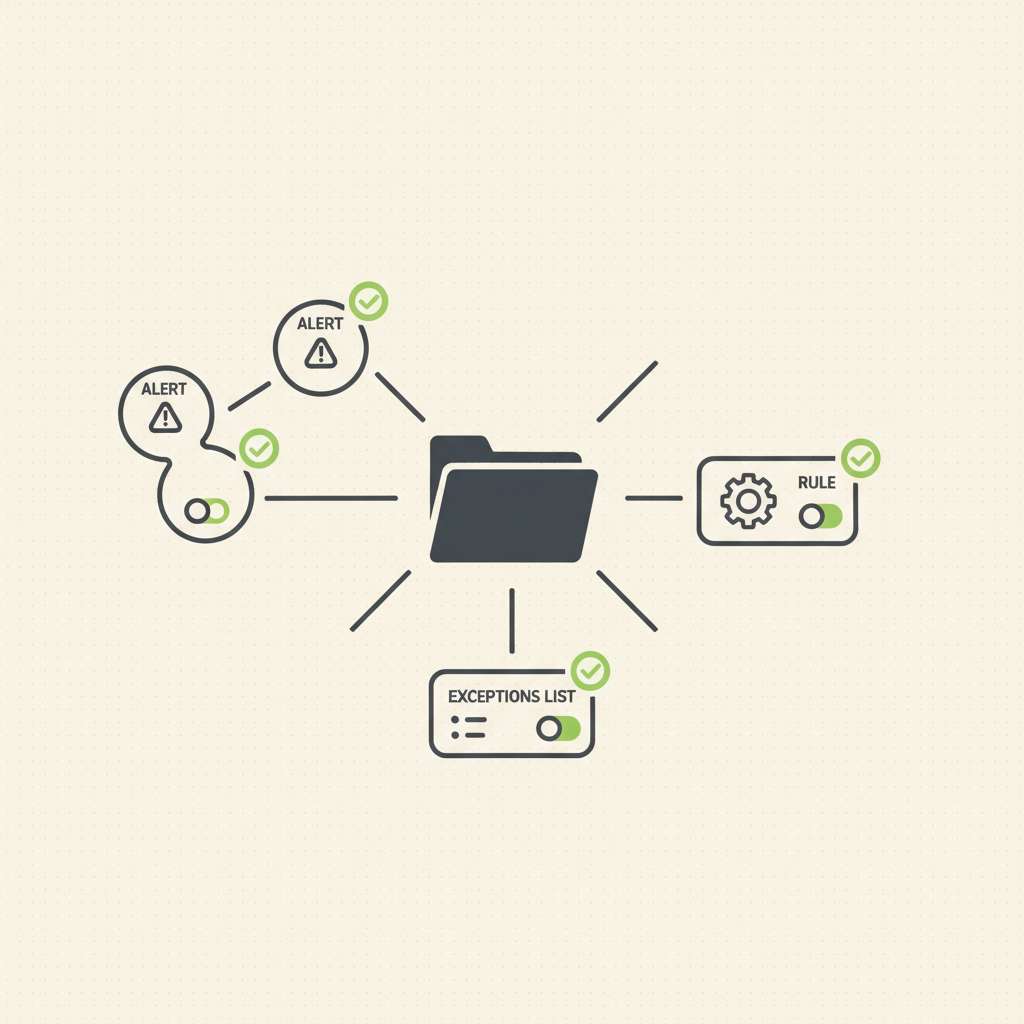
Elastic Security Labs published a workflow on December 5, 2025 that shows how to automate detection-tuning requests with Kibana Cases, using custom fields, a detection to watch for toggled requests, and a webhook to create tickets and add links back to the case (Elastic Security Labs, 2025-12-05).
Overview
Kibana Cases lets you open, track, and enrich investigations with alerts, comments, files, visualizations, and external tickets via connectors such as ServiceNow, Jira, Slack, and webhooks (Cases overview, connector catalog). Custom fields for Cases (text/toggle) were added in Elastic 8.15, enabling standardized “tuning requested?” switches captured directly in the case form (custom fields in settings, Security app settings). You can attach alerts to cases from the Alerts UI or create a case from an alert, ensuring the detection context travels with the request (create/manage cases and attach alerts).
Behind the scenes, alert documents live in hidden indices named .alerts-security.alerts-<space-id> in 8.x (replacing legacy .siem-signals-*), and include rich rule metadata under kibana.alert.rule.*-including version and an edit-incrementing revision-useful for change tracking and regression checks (alert schema 8.x). Kibana’s saved objects (including Cases) are stored in split indices since 8.8, with a dedicated .kibana_alerting_cases alias for case objects (saved object migrations, 8.8+). For analytics, you can optionally enable “cases as data,” which creates documented internal indices (for example, .internal.cases.securitysolution-<space>) with fields for status, severity, custom_fields, and attachments for dashboards/queries (cases as data, case analytics schema).
Acquisition and Extraction (platform-specific)
Use the APIs below to collect a defensible set of artifacts for each tuning request. Favor API key auth, add kbn-xsrf: true, and pin exact space paths (/s/<space>).
- Case record
- Get a case:
GET /api/cases/{caseId}(Cases API). - Case activity (audit trail of edits/comments):
GET /api/cases/{caseId}/user_actions/_find(find case activity).
- Get a case:
- Alerts linked to the case
- Get alert links for a case:
GET /api/cases/{caseId}/alerts(returns alert ids and indices) (Cases API list). - Fetch each alert document (single GET):
GET /{index}/_doc/{id}using the returnedindexandid, or search the alerts index prefix.alerts-security.alerts-*(alert schema and indices).
- Get alert links for a case:
- Rule metadata and current state
- Retrieve rule by
idor by stablerule_id:GET /api/detection_engine/rules?id=<id>or?rule_id=<rule_id>(retrieve a detection rule). - Update rule (for remediation, if approved):
PUT /api/detection_engine/rules(note:idis immutable; userule_idto address stably) (update rule). - Export rules and attached exception lists to NDJSON for evidence:
POST /api/detection_engine/rules/_export(export rules).
- Retrieve rule by
- Exceptions
- Create/manage UI: shared exception lists can be linked to many rules (shared exception lists, add/manage exceptions).
- API example (create shared list):
POST /api/exceptions/shared(API: create shared exception list).
- Audit logs (change provenance)
- Elasticsearch: enable auditing with
xpack.security.audit.enabled: true(node setting) and tune event filters (ES audit settings, audit logging guide). - Kibana:
xpack.security.audit.enabled: truewith rolling JSON appender for chain-of-custody friendly logs (Kibana audit settings).
- Elasticsearch: enable auditing with
Artifact Locations and Paths
- Case saved objects:
.kibana_alerting_cases*(via alias) since 8.8, managed by Kibana migrations (saved object indices, 8.8+). - Case analytics (optional feature):
.internal.cases.*and related attachments/activity indices; create a data view (allow hidden) against.internal.cases*(cases as data, schema). - Alerts:
.alerts-security.alerts-<space-id>; legacy.siem-signals-*applies to 7.x only (alert schema and index naming). - Rule fields in alerts: e.g.,
kibana.alert.rule.rule_id,kibana.alert.rule.name,kibana.alert.rule.version,kibana.alert.rule.revision(increments on edit) (alert schema fields). - Connectors for external systems (ServiceNow, Jira, Slack, Webhook, etc.) to push or link tuning tickets (connector catalog, ServiceNow ITSM).
Analysis and Correlation
Link the tuning request to its precise detection context and any changes you make.
- Build a Cases data view and custom fields
- Use the Cases Settings UI to add your standard toggles/text fields for tuning (for example,
Open tuning request?toggle +Tuning detailstext) (custom fields, 8.15+). - If you enabled “cases as data,” query custom fields directly from
.internal.cases.*via the documented schema (custom_fields.type/label/value) (case analytics schema). - If you need runtime extraction from saved objects, add runtime fields in the Kibana data view and parse
params._sourcevia Painless; runtime fields can be defined in a data view or viaruntime_mappingsin a search request (Kibana data-view runtime fields, Elasticsearch runtime fields).
- Retrieve attached alerts and map to rules
GET /api/cases/{caseId}/alerts→ iterate returned{index,id}→GET /{index}/_doc/{id}and readkibana.alert.rule.*to resolve therule_idand currentrevision(Cases alerts API, alert schema).- Pull the rule object for evidence and potential fix:
GET /api/detection_engine/rules?rule_id=<value>(retrieve rule).
- ES|QL/KQL queries for triage and metrics
- ES|QL in Kibana is first-class and works well for cases/alerts dashboards and suppression reviews (ES|QL in Kibana).
- Example: find open Cases flagged for tuning in analytics indices and aggregate by rule name from attached alerts (join on the alerts index after collecting alert IDs from attachments):
FROM .internal.cases.securitysolution-*
| WHERE status == "open" AND custom_fields.label == "Open tuning request?" AND custom_fields.value == "true"
| KEEP title, created_at, updated_at
Use the attachments index (payload.alerts.id/payload.alerts.index) to join back to .alerts-security.alerts-* as needed for rule-level aggregates (case analytics schema, alert schema).
- Track and justify changes
- The Cases user-actions API provides a per-case audit of edits and status transitions; export it alongside the case body for your evidence bundle (find case activity).
- When a rule is edited,
kibana.alert.rule.revisionincreases on subsequent alerts-use that field to confirm the tuned rule is actually what fired later (alert schema: revision). - Rules execute under the API key of the last editor; if a low-privilege user updates a rule, execution and actions can break. Capture and review the editor and API-key behavior before and after changes (rule auth behavior).
- Optional: Sigma to Elastic
- If analysts propose Sigma detections, convert them with pySigma backends to Elastic query languages (Lucene, EQL, ES|QL, Kibana NDJSON) and link results to the Case for review (Sigma backend catalog, pySigma Elasticsearch backend, PyPI).
Validation and Pitfalls
- Index/field drift across versions: in 8.x the alert index is
.alerts-security.alerts-*; older docs and screenshots may still reference.siem-signals-*. Validate your data view patterns before bulk queries (8.x alert index). - Saved objects vs analytics indices: analytics indices are purpose-built for dashboards and have a public schema (including
custom_fields), but require enabling the feature; saved objects exist regardless (enable cases as data, analytics schema). - Runtime fields performance: runtime evaluation happens at query time; prefer indexing key fields and use runtime fields where you can’t reindex (runtime fields guidance).
- Rule execution identity: rules run with the API key of the last editor; changing editors can inadvertently change privileges/behavior-record editor identity in the case before/after tuning (rule auth).
- Case templates are in technical preview in some apps; don’t rely on them as a control without validating behavior in your deployed version (templates tech preview).
Reporting Notes (chain of custody, reproducibility)
For each tuning request, export:
- Case JSON (
GET /api/cases/{caseId}) and Case activity (GET /api/cases/{caseId}/user_actions/_find) (Cases API, find activity). - All attached alerts (
GET /api/cases/{caseId}/alertsthen fetch documents from.alerts-security.alerts-*) (alert schema). - The rule object before and after edits (
GET/PUT /api/detection_engine/rules) and an NDJSON export of the rule plus exceptions (POST /api/detection_engine/rules/_export) (rule read/update, update, export). - Kibana and ES audit logs covering the change window, stored as JSON with timestamps and users (Kibana audit, ES audit).
Tools
- Kibana Cases and Detection Engine UIs (attach alerts, add exceptions, push to external systems) (Cases overview, exceptions).
- REST APIs: Cases, user actions, alerts, detection rules, exceptions (Cases API, find case activity, rules list/find, exceptions API).
- Sigma conversion:
sigma convert -t elasticsearch …via pySigma (backend docs, pySigma Elasticsearch).
Takeaways
- Put a repeatable “tuning request” path into Cases with custom fields and attach the exact alerts that justify the change (custom fields, attach alerts).
- Query Cases/attachments and
.alerts-security.alerts-*with ES|QL to quantify noise and prove post-change impact; usekibana.alert.rule.revisionto confirm you’re evaluating the tuned rule (alert schema, ES|QL). - Capture provenance: export Case + user actions, rule object(s), exceptions, and Kibana/ES audit logs for an evidence-grade record of who approved what and when (Cases API, audit logging).
Sources / References
- Elastic Security Labs – Automating detection tuning requests with Kibana Cases (2025-12-05): https://www.elastic.co/security-labs/automating-detection-tuning-requests-with-kibana-cases
- Cases overview (Kibana): https://www.elastic.co/guide/en/kibana/current/cases.html
- Create and manage cases; attach alerts: https://www.elastic.co/guide/en/serverless/current/observability-create-a-new-case.html
- Cases API (list of endpoints): https://www.elastic.co/guide/en/kibana/current/cases-api.html
- Find case activity API: https://www.elastic.co/docs/api/doc/kibana/operation/operation-findcaseactivitydefaultspace
- Alert schema and 8.x index naming: https://www.elastic.co/guide/en/security/8.19/alert-schema.html
- Saved object migrations (8.8+ split indices incl. .kibana_alerting_cases): https://www.elastic.co/guide/en/kibana/8.18/saved-object-migrations.html
- Use cases as data (enable and query analytics indices): https://www.elastic.co/docs/explore-analyze/alerts-cases/cases/cases-as-data
- Case analytics indices schema (includes custom_fields): https://www.elastic.co/docs/reference/kibana/case-analytics-indices-schema
- Manage Cases settings; custom fields (8.15+): https://www.elastic.co/guide/en/observability/8.19/manage-cases-settings.html#custom-fields
- Security app – Cases settings: https://www.elastic.co/guide/en/security/8.18/cases-manage-settings.html
- Retrieve a detection rule API: https://www.elastic.co/docs/api/doc/kibana/v8/operation/operation-readrule
- Update a detection rule API: https://www.elastic.co/guide/en/security/current/rules-api-update.html
- List/find rules API (serverless): https://www.elastic.co/docs/api/doc/serverless/operation/operation-findrules
- Export detection rules API: https://www.elastic.co/guide/en/security/8.17/rules-api-export.html
- Add and manage exceptions (UI): https://www.elastic.co/guide/en/security/8.19/add-exceptions.html
- Shared exception lists (UI): https://www.elastic.co/guide/en/security/master/shared-exception-lists.html
- Create shared exception list API: https://www.elastic.co/guide/en/security/current/exceptions-api-create-shared-exception-list.html
- ES|QL in Kibana: https://www.elastic.co/docs/explore-analyze/query-filter/languages/esql-kibana
- Kibana data views – add runtime fields: https://www.elastic.co/guide/en/kibana/current/data-views.html
- Elasticsearch runtime fields (mapping): https://www.elastic.co/guide/en/elasticsearch/reference/current/runtime-mapping-fields.html
- About detection rules (auth model and API key behavior): https://www.elastic.co/guide/en/security/8.19/about-rules.html
- Kibana audit logging settings: https://www.elastic.co/guide/en/kibana/8.19/security-settings-kb.html
- Elasticsearch audit logging settings: https://www.elastic.co/guide/en/elasticsearch/reference/8.19/auditing-settings.html
- Connector catalog (alerting and case management): https://www.elastic.co/docs/reference/kibana/connectors-kibana/alerting-cases-connectors
- ServiceNow ITSM connector: https://www.elastic.co/guide/en/kibana/current/servicenow-action-type.html
- SigmaHQ – backend catalog: https://sigmahq.io/docs/digging-deeper/backends
- pySigma Elasticsearch backend (GitHub): https://github.com/SigmaHQ/pySigma-backend-elasticsearch
- pySigma Elasticsearch backend (PyPI): https://pypi.org/project/pysigma-backend-elasticsearch/