IR playbook: hunting and evicting the “Sleeper” Chrome/Edge extensions (ShadyPanda, ~4.3M installs)
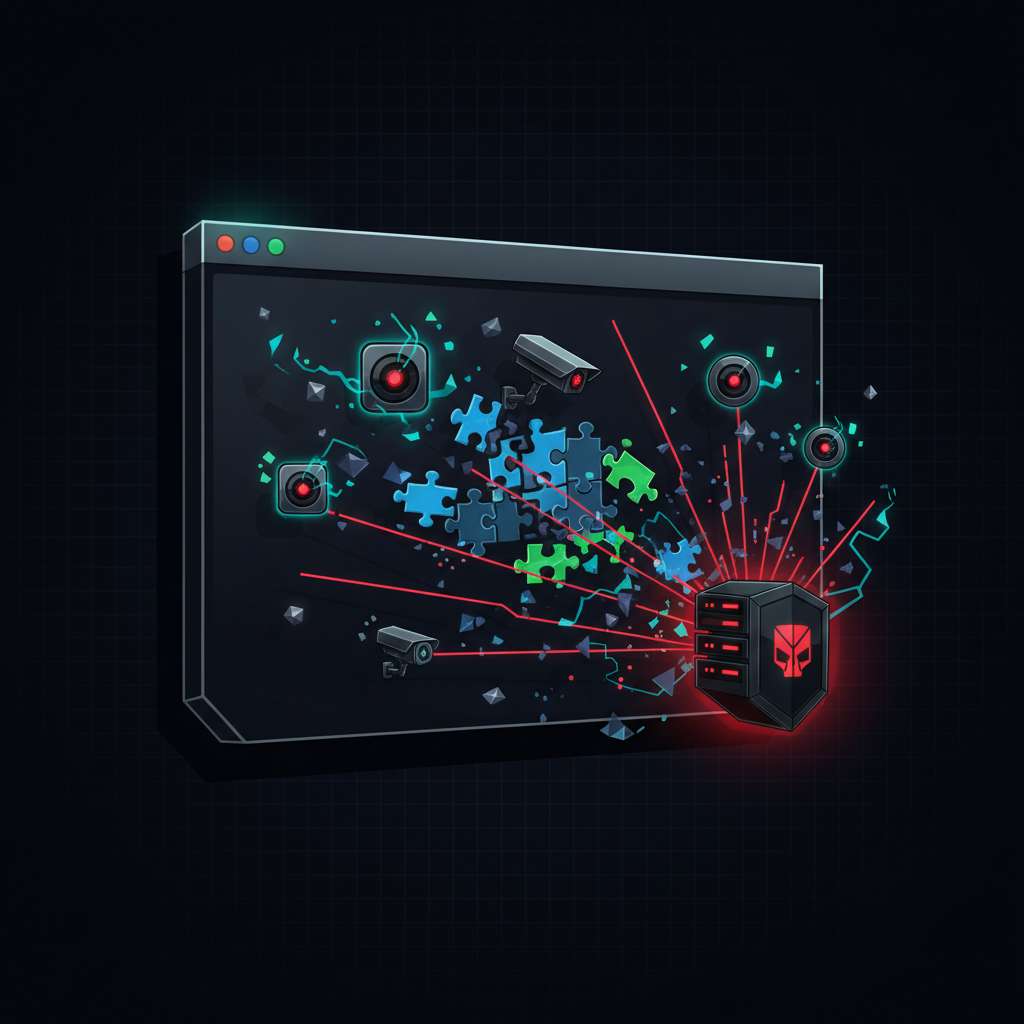
Koi and Malwarebytes disclosed a long-running extension operation (“ShadyPanda”) where multiple Chrome/Edge add-ons accumulated trust for years and then flipped to spyware/RCE via hourly command tasks. The operators reached ~4.3M installs across phases; one cluster polls api.extensionplay[.]com hourly to fetch and execute arbitrary JavaScript, and another (e.g., WeTab) streams browsing data in real time. Google removed affected Chrome Web Store items; at disclosure time some Microsoft Edge Add-ons remained available. Treat this as a browser-level backdoor that bypasses traditional endpoint controls and exposes SaaS sessions and cookies. (Koi, Malwarebytes, BleepingComputer, SecurityWeek, The Register).
Intrusion Flow
- Initial foothold - marketplace trust: benign behavior over years, badges like “Featured/Verified,” and millions of installs; malicious updates landed mid-2024 via the normal extension auto-update pipeline. (Koi, Malwarebytes, Chrome extension update lifecycle).
- Backdoor activation (RCE set): five extensions check hourly to
api.extensionplay[.]com, downloading and executing attacker-controlled JavaScript with full extension API access. Collected data (URLs, referrers, fingerprints, persistent IDs) is exfiltrated (e.g., toapi.cleanmasters[.]store). (Koi, BleepingComputer). - Spyware set (WeTab family on Edge): streams visited URLs, search queries, mouse clicks, fingerprints, and storage/cookie access to multiple domains; WeTab claims ~3M installs. (Koi, The Register).
- Store status at disclosure: Google removed affected Chrome items; some Edge Add-ons remained live, including WeTab, at time of reporting. (BleepingComputer, Malwarebytes).
IOCs (excerpt):
- C2/check-in and exfil:
extensionplay[.]com,api.extensionplay[.]com,cleanmasters[.]store,dergoodting[.]com,yearnnewtab[.]com,s-85283.gotocdn[.]com,s-82923.gotocdn[.]com. (Koi). - Extension IDs: Koi published Chrome/Edge IDs (use their list as ground truth). Example ID referenced by Malwarebytes/Koi:
eagiakjmjnblliacokhcalebgnhellfi(Clean Master). (Malwarebytes, Koi).
Key Artifacts to Pull
- Per-profile extension code and metadata:
- Chrome (Windows):
%LocalAppData%\Google\Chrome\User Data\<Profile>\Extensions\<extension-id>\<version>\(containsmanifest.json, background/service worker JS). Profile root is confirmed viachrome://version→ “Profile Path.” (Chromium user data dir, Forensics Wiki). - Edge (Windows):
%LocalAppData%\Microsoft\Edge\User Data\<Profile>\Extensions\<extension-id>\<version>\; profile path shown atedge://version. (Edge UserDataDir policy, Edge directory vars).
- Chrome (Windows):
- Preferences files for timeline and state:
- Chrome/Chromium Preferences under profile include installed extension metadata, install_time, path, and manifest cache. (Forensics Wiki).
- Browser storage relevant to the payload:
chrome.storage(sync/local) content and keys; analyze via DevTools Application → Storage → Extension Storage. (Chrome DevTools: extension storage).- Cookies access requires
cookiespermission and host permissions; reviewmanifest.jsonand granted permissions. (Chrome cookies API, Declare permissions).
- Network telemetry:
- Proxy/DNS logs for listed domains. On Windows, Sysmon Event ID 22 records DNS queries (tune for volume). (EventSentry Sysmon 22, Elastic guidance).
Detection Notes
- Fleetwide extension inventory
- osquery
chrome_extensionstable (works across Chrome/Edge/Chromium-family) - collect id, name, version, path, profile. (Fleet/osquery table, Google Chronicle osquery field map). - Sample query (adjust identifiers from Koi list):
SELECT browser_type, identifier, name, version, profile, path
FROM chrome_extensions
WHERE identifier IN (
  'eagiakjmjnblliacokhcalebgnhellfi', -- Clean Master example
  'bpelnogcookhocnaokfpoeinibimbeff'  -- example Edge ID from Koi list
);
- osquery
- Network hunting
- DNS/proxy for
extensionplay[.]com,cleanmasters[.]store,dergoodting[.]com,yearnnewtab[.]com,*.gotocdn[.]com. (Koi). - Note periodicity: Koi observed hourly tasking from the RCE set; browser extensions commonly use
chrome.alarmsfor periodic jobs (inference for scheduling pattern). (Koi, chrome.alarms API).
- DNS/proxy for
- Code review indicators
- MV3 background service worker (
background.service_worker) with obfuscated loader, periodic fetch, and data collection. (Chrome MV3 background, Koi).
- MV3 background service worker (
Response Guidance
- Scope and contain
- Freeze browser sessions on endpoints showing the extension IDs or contacting the IOCs above. Prioritize developers, admins, finance, and SSO-heavy users. (Koi risk summary).
- Block egress to campaign domains at DNS/proxy immediately. (Koi IOCs).
- Evict the extensions
- Managed Edge/Chrome: use policy to block by ID, which disables already-installed extensions. Edge policies: ExtensionInstallBlocklist/ExtensionSettings; allow-list only what you trust. (Edge manage extensions, ExtensionInstallBlocklist, ExtensionSettings).
- Chrome Enterprise: blocklist/allowlist or remove via management; auto-updates and silent updates are expected, so lock IDs aggressively. (Chrome update lifecycle).
- Unmanaged hosts: remove via
chrome://extensions/edge://extensions(enable Developer Mode to confirm IDs), as described by Malwarebytes. (Malwarebytes how-to).
- Session and credential hygiene
- Because the backdoor can run arbitrary JavaScript with extension API permissions, assume exposure of SaaS sessions and cookies where permissions allowed; rotate SSO sessions, revoke refresh tokens, reset passwords for high-risk accounts, and re-enroll MFA as needed. (Koi capability summary, Chrome cookies API requirements).
- In SaaS, review recent logins, token grants, OAuth app approvals, and anomalous IPs for the impacted user set (priority: cloud admin panels, CI/CD, code hosting, finance).
- Hardening
- Enterprise policies: maintain block-by-default extension stance with explicit allow-list (both Edge and Chrome provide blocklist/allowlist and force-install controls). (Edge policies).
- Monitor for extension changes: inventory daily via osquery and alert on new IDs, permission changes, or update spikes; remember extensions auto-update by default. (Fleet/osquery, Chrome update lifecycle).
- Network: keep DNS telemetry (Sysmon 22 and resolver logs) and proxy records for retrospective hunts. (EventSentry Sysmon 22).
Takeaways
- Pull extension inventories now and compare against Koi’s published IDs; disable and remove matches. (Koi).
- Block the campaign’s domains at DNS/proxy and hunt for historical hits to
extensionplay[.]com,cleanmasters[.]store,dergoodting[.]com, and related IOCs. (Koi). - Assume cookie/session exposure for affected users; rotate and re-authenticate into critical SaaS. (Koi).
- Enforce extension allow-listing at scale for Chromium browsers and continuously alert on new/updated extensions. (Edge manage extensions, Chrome update lifecycle).
Sources / References
- Malwarebytes: “Sleeper” browser extensions woke up as spyware on 4 million devices: https://www.malwarebytes.com/blog/news/2025/12/sleeper-browser-extensions-woke-up-as-spyware-on-4-million-devices
- Koi Security: 4.3M browsers infected – ShadyPanda: https://www.koi.ai/blog/4-million-browsers-infected-inside-shadypanda-7-year-malware-campaign
- BleepingComputer: ShadyPanda extensions amass 4.3M installs: https://www.bleepingcomputer.com/news/security/shadypanda-browser-extensions-amass-43m-installs-in-malicious-campaign/
- SecurityWeek: Chrome/Edge extensions caught tracking users, creating backdoors: https://www.securityweek.com/chrome-edge-extensions-caught-tracking-users-creating-backdoors/
- The Register: Browser extensions pushed malware to 4.3M users: https://www.theregister.com/2025/12/01/chrome_edge_malicious_browser_extensions/
- Chromium: User Data Directory (profile path reference): https://chromium.googlesource.com/chromium/src.git/%2B/main/docs/user_data_dir.md
- Forensics Wiki: Google Chrome artifacts (Extensions/Preferences): https://forensics.wiki/google_chrome/
- Microsoft Edge policy: UserDataDir: https://learn.microsoft.com/en-us/deployedge/microsoft-edge-browser-policies/userdatadir
- Microsoft Edge: Manage extensions with policy: https://learn.microsoft.com/en-us/deployedge/microsoft-edge-manage-extensions-policies
- Microsoft Edge policy: ExtensionInstallBlocklist: https://learn.microsoft.com/en-us/deployedge/microsoft-edge-browser-policies/extensioninstallblocklist
- Microsoft Edge policy: ExtensionSettings: https://learn.microsoft.com/en-us/deployedge/microsoft-edge-browser-policies/extensionsettings
- Chrome DevTools: View Extension Storage: https://developer.chrome.com/docs/devtools/storage/extensionstorage
- Chrome Extensions: cookies API: https://developer.chrome.com/docs/extensions/reference/api/cookies
- Chrome Extensions: Declare permissions: https://developer.chrome.com/docs/extensions/develop/concepts/declare-permissions
- Chrome Extensions: Manifest background (MV3 service worker): https://developer.chrome.com/docs/extensions/reference/manifest/background
- Chrome Extensions: chrome.alarms API: https://developer.chrome.com/docs/extensions/reference/api/alarms
- Chrome Extensions: update lifecycle: https://developer.chrome.com/docs/extensions/develop/concepts/extensions-update-lifecycle
- Fleet/osquery table: chrome_extensions: https://fleetdm.com/tables/chrome_extensions
- Google Chronicle: osquery chrome_extensions field map: https://docs.cloud.google.com/chronicle/docs/ingestion/default-parsers/field-maps/osquery-field-map
- EventSentry: Sysmon Event ID 22 (DNS Query): https://system32.eventsentry.com/sysmon/event/22